Personal stories, made into books
Every milestone.
Its own book.
Turn scattered photographs into a book that’s entirely yours. Buy a print-ready PDF, keep it in your library, and open a chapter of your life again.
Design and preview for free. Need a printed copy? The Archive can help.
A milestone of our own
The days we wandered
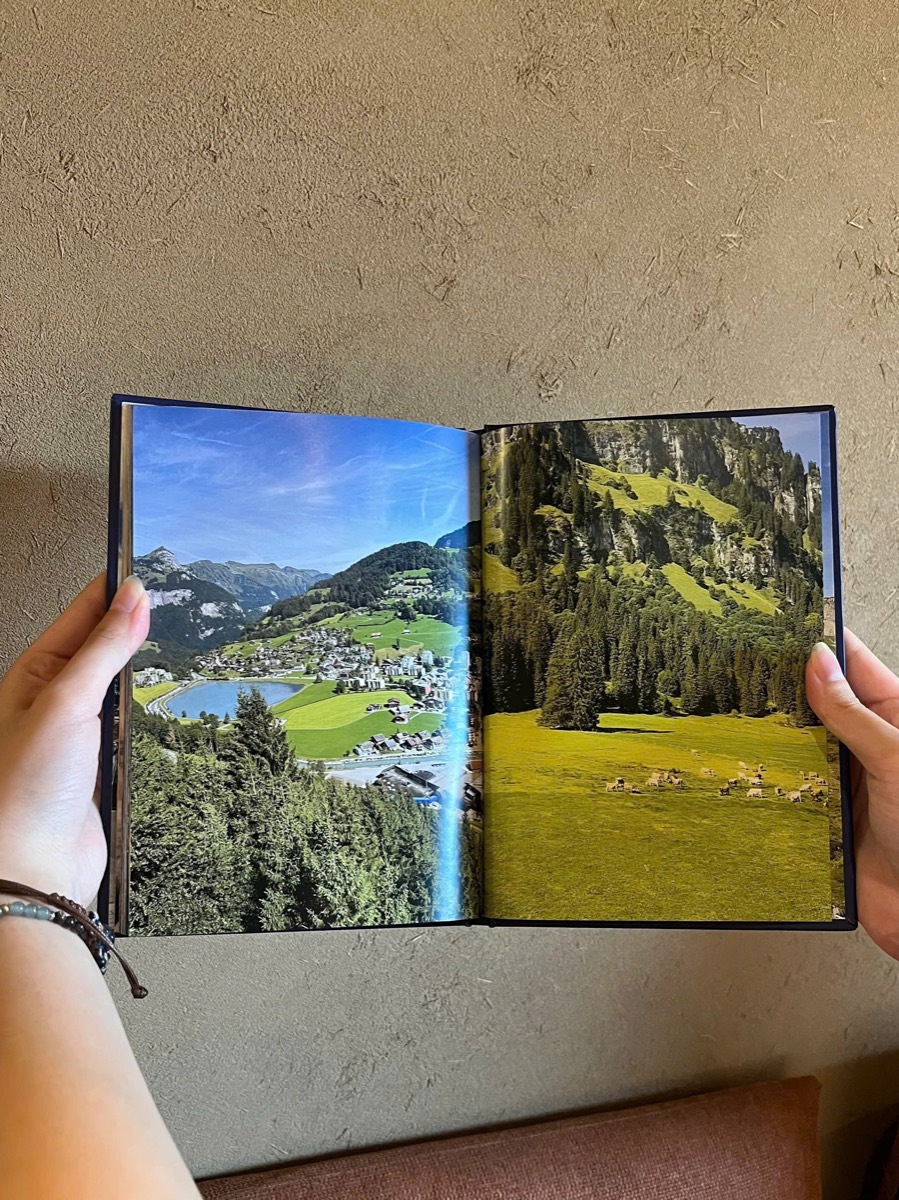
One book · A chapter of life
Photos to remember. Books to return to.
Open my library01 / An invitation to read
Some pages deserve a slower turn.
Choose a mood, open the cover and turn the pages. This is how your own book will be read, too.
Illustrated photographs to try

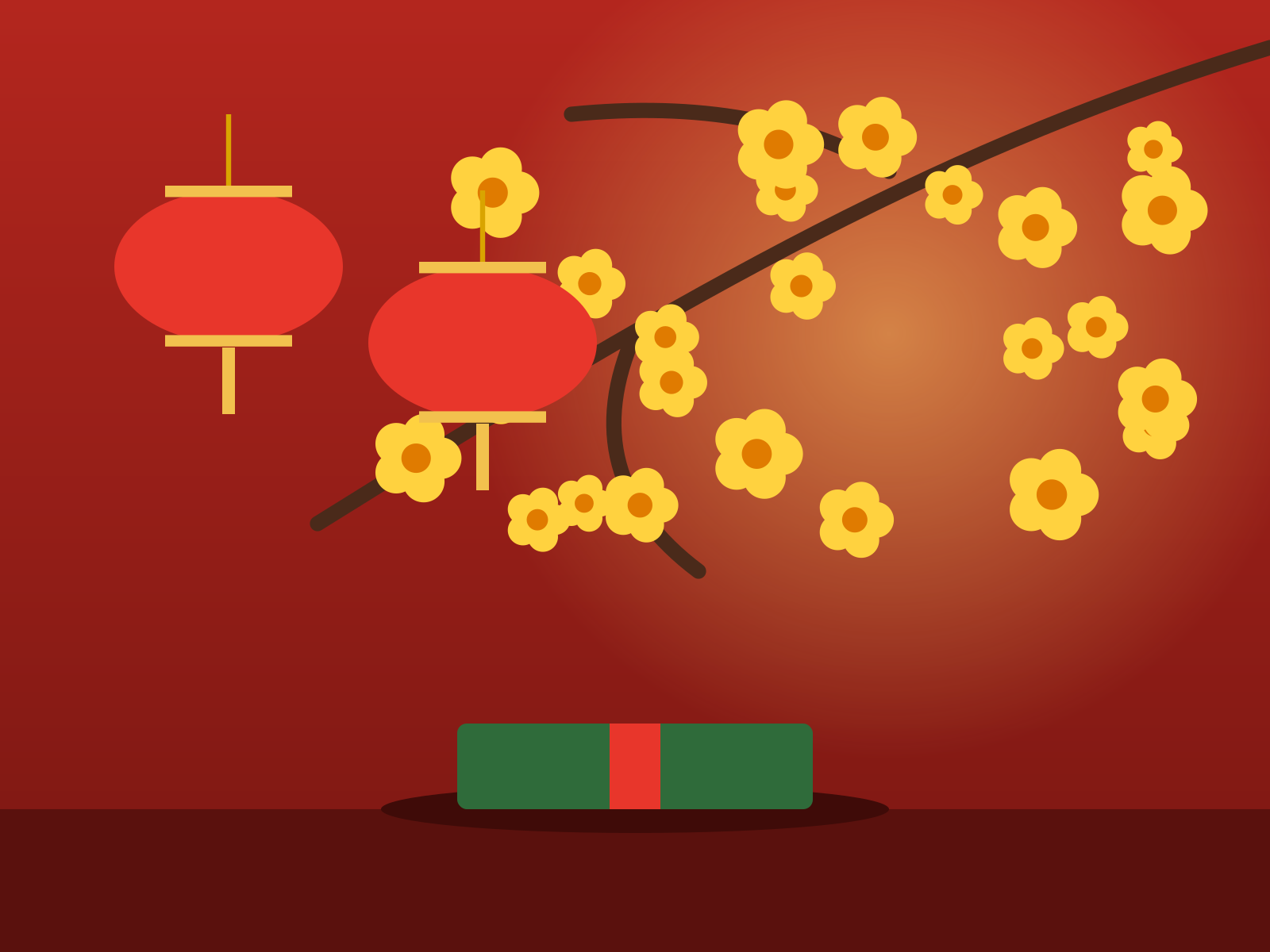
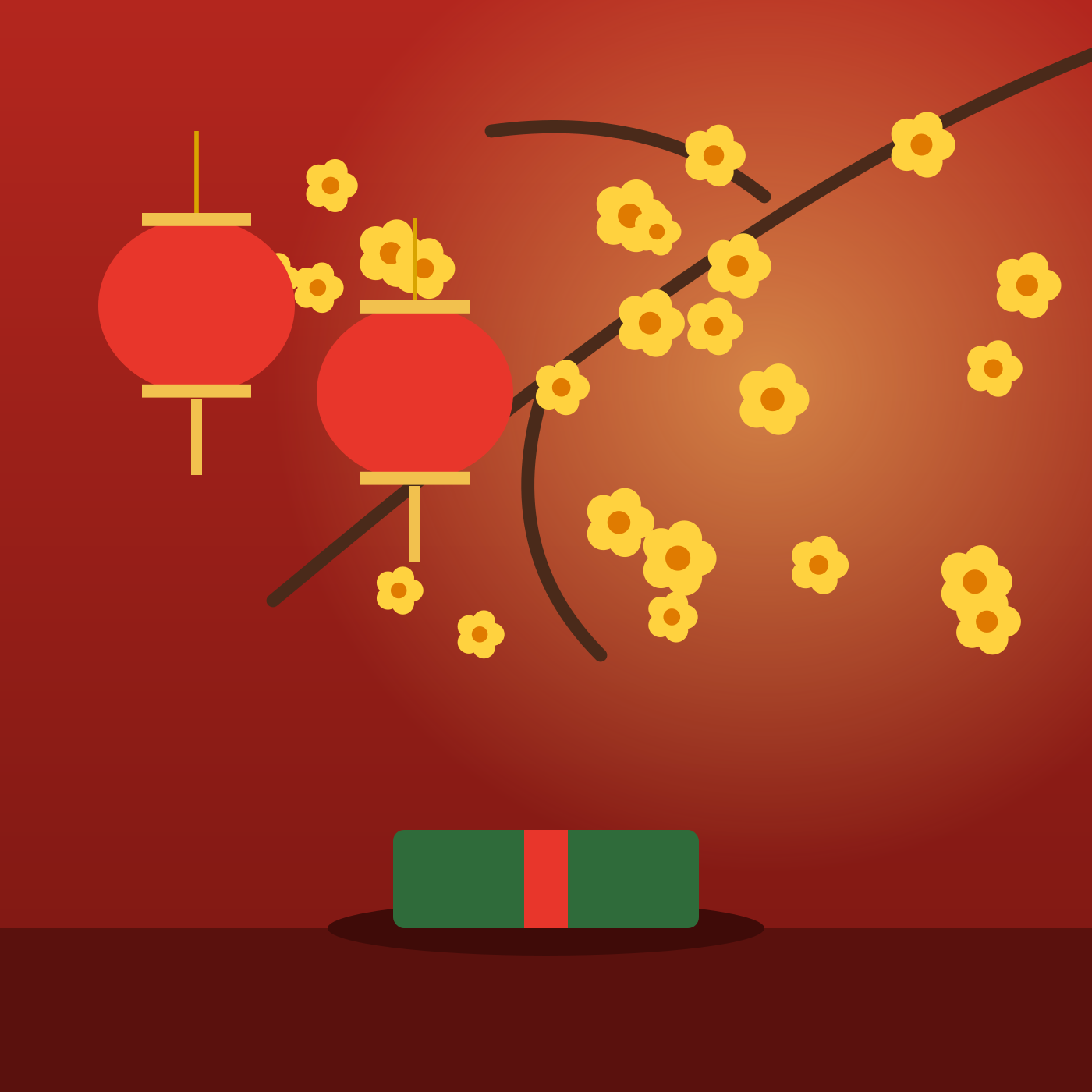
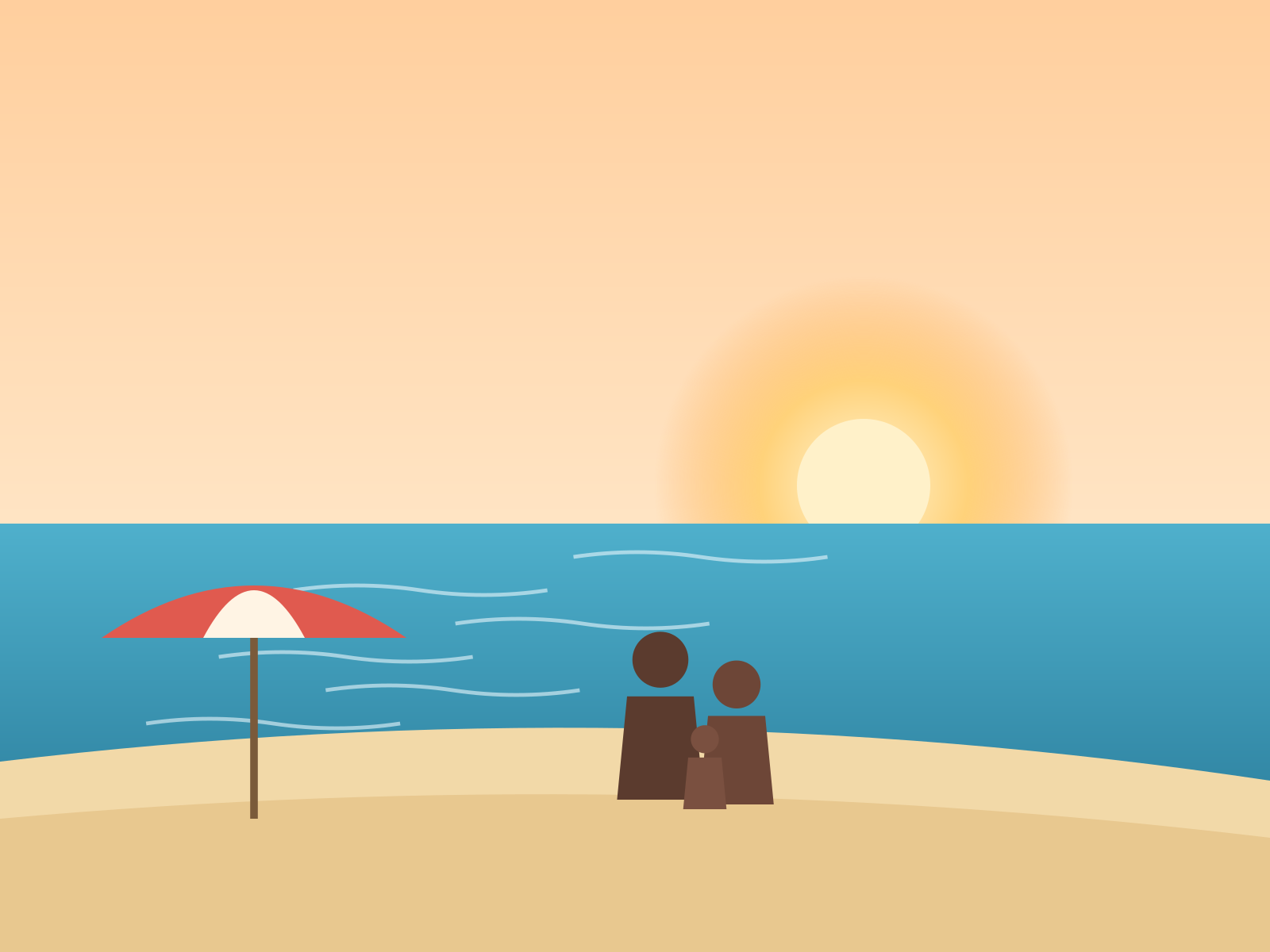

FAMILY
A STORY WORTH KEEPING
Tap the cover to open. Tap a page edge, swipe or use ← → to turn the pages.
This sample uses illustrations, not customer data.
02 / A bookshelf of your own
Another milestone. Another book to love.
Their first year. A journey far away. The day you became us. Each story has its own cover and a place in your account library.
Open my library03 / From photos to pages
Three steps. Something to keep.
- 01
Choose a milestone & add photos
Give it a name, choose a mood and upload the photographs that belong together.
- 02
Read it & make it yours
Photos become pages. Edit the cover, change layouts, add chapters and preview the whole book.
- 03
Buy the file, keep the book
Request your PDF purchase. After pricing, payment confirmation and rendering, download files for printing or reading.
04 / A few things to know
Before the first page.
Am I buying a file or a printed book?
You receive PDFs for printing and screen reading. PDF and printing prices are calculated on the Pricing page.
Where do my books live?
In your Google account’s private library here. Each book is a separate milestone, ready to open and read. Create several in any theme. Drafts currently retain the photo-slot limits and temporary-photo expiry shown during upload.
When do I pay and receive my files?
Create and preview for free, then request a file purchase. The Archive confirms the price and payment instructions by account email. Downloads appear in your book after payment confirmation and PDF rendering. Automatic online checkout is not available yet.
Can I edit after requesting a purchase?
You can keep editing your draft. Every requested edition keeps its own layout and photos, so later edits don’t change it. To purchase a revised edition, send a new request.
Begin something worth keeping